
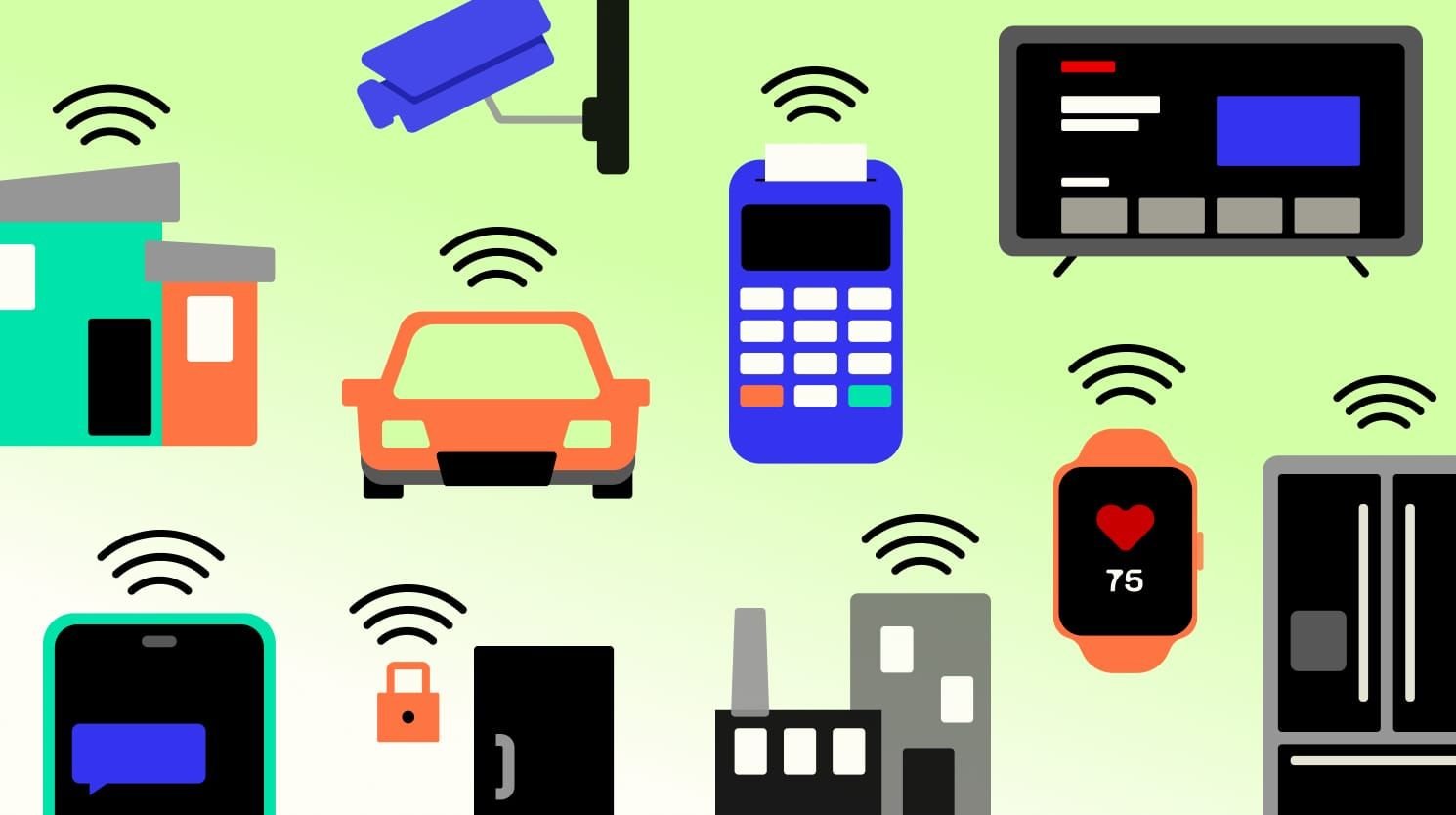
We used to dream about the homes of the future. We imagined walking into a room and having the lights turn on automatically, or telling our coffee maker to start brewing from bed. In 2026, this isn’t science fiction anymore. It is something you can buy at the hardware store for a few hundred dollars. The “Internet of Things” (IoT) has exploded, filling our shelves with smart bulbs, connected fridges, intelligent doorbells, and robot vacuums that know exactly where your couch is.
However, for many people, the dream of a smart home turns into a nightmare of confusing apps, blinking lights that won’t connect, and privacy concerns. You buy a smart bulb, plug it in, and suddenly you are fighting with your Wi-Fi router for an hour just to get a light to turn blue. It can feel like you need a degree in computer engineering just to set up a toaster. But it doesn’t have to be this way. The secret to a great smart home isn’t buying the most expensive gadgets; it is setting them up correctly so they work together seamlessly. This guide is going to walk you through the entire process of building a smart home. We will skip the jargon and focus on the practical steps to make your home safer, more efficient, and just a little bit magical.
Choosing Your Ecosystem: The Foundation of a Smart Home
The very first step happens before you buy a single device. You need to pick a team. In the past, smart devices were divided into walled gardens. You had Apple Home (Siri), Amazon Alexa, and Google Home. If you bought a camera that worked with Alexa, it might not work with your iPhone. This was a huge headache.
Fortunately, in 2026, we have a new standard called “Matter.” Matter is a language that allows devices from different companies to talk to each other locally, without needing the internet. It has made things much easier. However, you still need a “Command Center” or an ecosystem to control everything. This is usually the app on your phone and the voice assistant you talk to.
If you are an iPhone family, Apple Home is the most secure and easiest to use, but it supports fewer obscure devices. If you want maximum compatibility and cheap speakers in every room, Amazon Alexa is still the king of variety. If you rely on Google services for your calendar and email, Google Home is the smartest choice because it understands context better than the others. Pick one and stick to it. Don’t try to use Alexa for the kitchen and Siri for the bedroom. It will just confuse your family. Once you have chosen your platform, buy a “Hub” for that platform—like an Apple TV, an Echo Show, or a Nest Hub—to act as the brain of your house.
preparing Your Network: The Hidden Highway for IoT
Most people skip this step, and it is the number one reason their smart home fails. They buy fifty smart bulbs, screw them in, and suddenly their Netflix starts buffering and their Zoom calls drop. Why? Because a standard home router is not designed to handle sixty devices shouting at it at once.
Your smart devices—bulbs, plugs, switches—are usually low-bandwidth, but they are “chatty.” They constantly ping the router saying, “I’m here! I’m here!” If you overload your main Wi-Fi network, everything slows down. The professional way to fix this is to create a separate network just for your smart home.
Log into your router’s settings and look for the “Guest Network” feature. Turn it on and name it something like “MySmartHome.” Connect all your cheap smart plugs, bulbs, and sensors to this Guest Network. This does two amazing things. First, it keeps your main network clear for your laptops and phones, so your internet stays fast. Second, it adds a massive layer of security. If a hacker manages to compromise a cheap $10 smart bulb, they are trapped in the Guest Network. They cannot jump over to your main network to steal your banking passwords from your computer. It is a simple setting that makes your home faster and safer instantly.
Lighting the Way: Bulbs vs. Switches and How to Install Them
Smart lighting is the “gateway drug” of home automation. It is usually the first thing people buy. But there is a big debate: should you buy smart bulbs or smart switches?
Smart Bulbs (like Philips Hue or LIFX) are easy. You unscrew the old one and screw in the new one. They are great for lamps and reading lights because they can change color. You can turn your living room pink for a party or warm orange for reading. However, they have a major flaw: if someone flips the physical light switch on the wall to “Off,” the smart bulb dies. It loses power and cannot be controlled by your phone anymore. You have to tape the switch to the “On” position, which looks ugly.
Smart Switches (like Lutron Caseta) are harder to install. You have to turn off the electricity at the breaker box, unscrew the old switch from the wall, and wire in the new one. It requires basic electrical safety knowledge. But once it is installed, it is magical. It controls the actual power to the fixture. This means you can use any cheap lightbulbs you want. You can turn the lights off with the physical switch, and they will still respond to your voice command to turn back on. For main overhead lights in the kitchen or hallway, smart switches are superior. For bedside lamps, stick to the colorful smart bulbs.
Securing the Perimeter: Cameras, Doorbells, and Locks
The most popular reason people get into smart tech is security. We all want to know our home is safe. The “Video Doorbell” is the superstar of this category. It lets you answer the door from your office, see when packages arrive, and catch porch pirates in the act.
When installing a doorbell, the biggest challenge is power. If you have an existing wired doorbell, use those wires! A wired doorbell is always better than a battery-powered one. Batteries die in the winter when it gets cold, and you will get annoyed having to take the doorbell off the wall to charge it every month. If you must use a battery one, buy a second battery so you can swap them instantly.
For smart locks, you have two types. One replaces the entire deadbolt (the lock mechanism), and the other just sits on top of your existing lock (like the August Lock). The “Retrofit” style that sits on top is great for renters because you keep your original keys. You can still unlock the door with your old metal key if the batteries die. When setting these up, be careful with “Auto-Unlock” features. It sounds cool to have the door unlock when you walk up to it, but if your GPS drifts while you are sleeping, your front door might unlock in the middle of the night. It is usually safer to use a keypad code or your fingerprint.
Climate Control: Smart Thermostats and Saving Money
A smart thermostat (like Ecobee or Nest) is the only smart device that actually pays for itself. It learns your schedule and turns the heat down when you leave the house, saving you hundreds of dollars a year on energy bills.
Installing one is easier than it looks. The most important part happens before you even touch the new device. Take the cover off your old thermostat and take a picture of the wires with your phone. You need to know which color wire goes to which letter terminal (R, W, Y, G, C). The “C-Wire” (Common Wire) is the tricky one. It provides constant power to the smart screen. If your old system doesn’t have a C-Wire, you might need to install a “Power Extender Kit” inside your furnace. Don’t panic; the instructions usually come in the box and are very clear.
Once installed, the real setup is in the app. Don’t just set one temperature forever. Set up “Geofencing.” This uses your phone’s location. Tell the app, “When my phone leaves the house, set the temperature to Eco Mode.” This ensures you are never heating an empty house. Also, if you have a multi-story home, buy the extra “Room Sensors.” These little white squares sit in your bedroom or office. You can tell the thermostat to prioritize the temperature in the bedroom at night, so you don’t freeze just because the thermostat in the hallway thinks it is warm enough.
The Magic of Sensors: Making Dumb Things Smart
Voice control is cool, but true automation is when the house acts without you saying a word. This is where sensors come in. Motion sensors, contact sensors, and leak sensors are the nervous system of a smart home.
Put a contact sensor on your pantry door. When the door opens, have the smart light inside turn on automatically. Put a motion sensor in the laundry room. When you walk in with a basket of clothes in your hands, the lights snap on. When you leave, they turn off after two minutes. This feels like magic.
Water leak sensors are the most boring but most valuable device you can own. Put one under your washing machine, one under the dishwasher, and one near the water heater. If they detect water, they scream at your phone immediately. In a truly advanced setup, you can connect these to a “Smart Water Shutoff Valve” on your main water pipe. If a leak is detected while you are on vacation, the house automatically shuts off the water supply, saving you from a flooded basement. That is the power of IoT.
Smart Plugs: The Swiss Army Knife of Automation
If you have a device that isn’t “smart”—like a coffee maker, a box fan, or a Christmas tree—you can make it smart with a $10 Smart Plug. These plug into the wall, and you plug your device into them. They simply cut the power on and off.
However, they only work on devices with physical “mechanical” switches. If your coffee maker has a digital button that you have to press every time, a smart plug won’t work because cutting the power just resets the clock. But for a cheap box fan or a lamp with a toggle switch, they are perfect.
Use them for safety too. Plug your curling iron or space heater into a smart plug. Set a routine that says, “Turn off this plug every day at 9:00 AM.” Now, you never have to wonder, “Did I leave the iron on?” while you are driving to work. You can just check the app and turn it off remotely.
Creating Routines: Putting It All Together
Having a bunch of devices is fun, but “Routines” (or “Automations”) are where they become a system. A routine is a simple “If This, Then That” logic. You set them up in your Alexa, Google Home, or Apple Home app.
Start with a “Good Morning” routine. Trigger it by dismissing your alarm on your phone. When you stop the alarm, the house should: slowly fade the bedroom lights up to 50%, read you the weather forecast, turn on the coffee maker smart plug, and adjust the thermostat to a comfortable daytime temperature.
Create a “Good Night” routine. Trigger it by saying, “Good night.” The house should: lock the front door (and tell you if it was already locked), turn off all the lights downstairs, lower the thermostat for sleeping, and turn on your white noise machine. This removes the mental load of checking everything before bed. You trust the house to do the closing shift for you.
Troubleshooting: When the Magic Breaks
Smart homes break. It is a fact of life. The most common issue is a device showing as “No Response” in the app. This usually means it has lost its connection to the Wi-Fi.
Before you go climbing on a ladder to reset a camera, try restarting your router. 90% of the time, the router is the problem, not the device. If the router restart doesn’t fix it, you might need to power cycle the device. For a smart bulb, this often involves turning the light switch off and on five times quickly until the bulb flashes. This puts it back into “Pairing Mode.”
If you have a device that constantly disconnects, check the Wi-Fi signal strength in that spot. You might need to add a “Mesh Wi-Fi Point” closer to that room. Also, check for interference. Zigbee and Z-Wave devices (which many smart hubs use) can get confused if they are too close to your Wi-Fi router. Move your smart hub a few feet away from your internet router to clear up the signal.
Conclusion: Start Small and Build Slowly
The biggest mistake people make with IoT is buying everything at once. They spend $2,000 on a weekend, install fifty devices, and then get overwhelmed when things don’t work perfectly.
Start with one room. Maybe just the living room lights and a smart speaker. Get comfortable with it. Learn how to set up the routines. Once that is stable, add a doorbell. Then add a thermostat. Build your smart home layer by layer.
In 2026, the technology is incredible, but it still requires patience. When you get it right, it changes how you live. It gives you peace of mind when you are away and comfort when you are home. It stops being “technology” and just becomes your helpful, invisible companion. So grab your phone, pick your ecosystem, and start building. The future is ready for you to move in.