
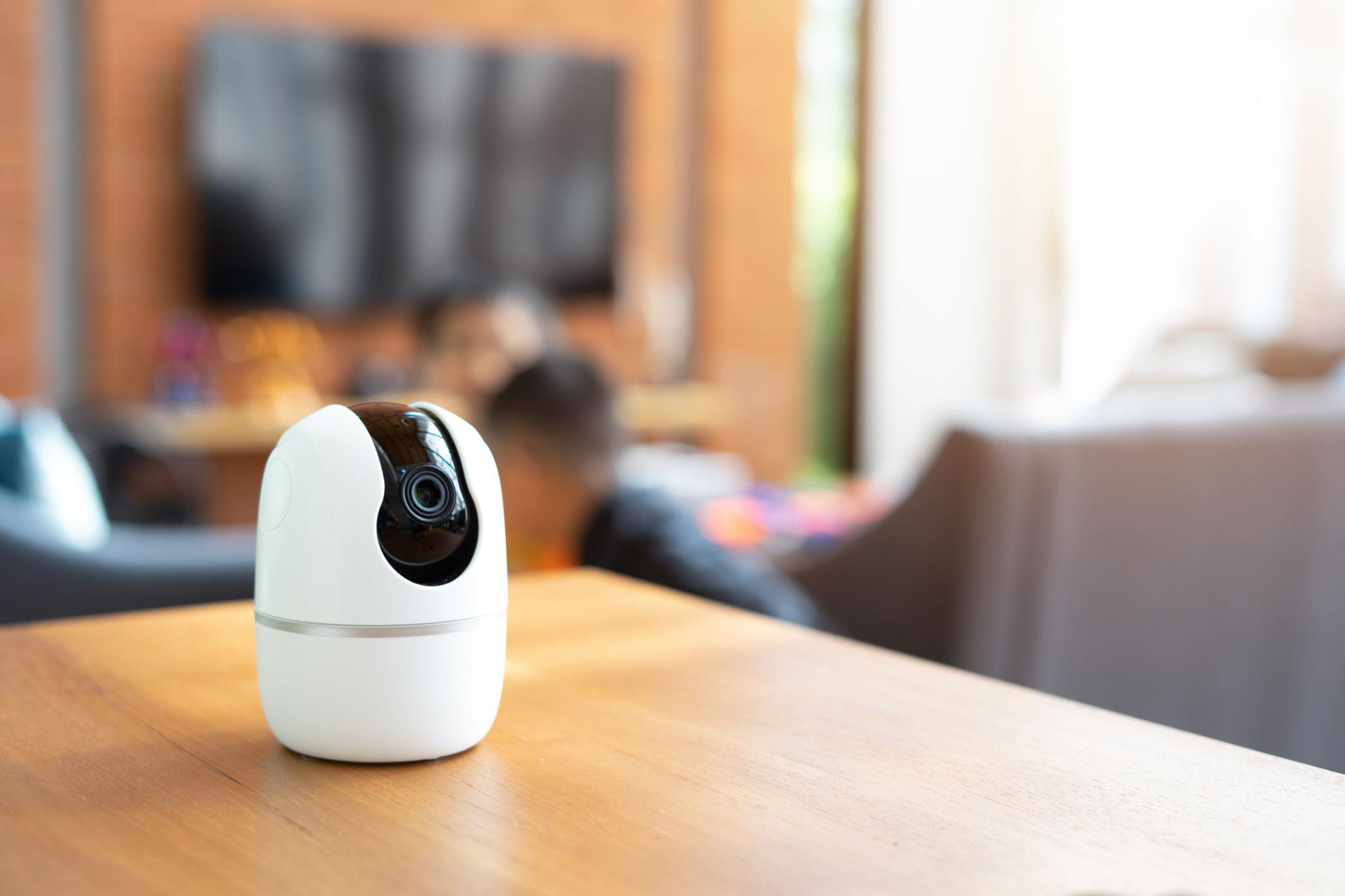
Walk into any electronics store today and you will find shelves full of smart devices. Smart bulbs, smart plugs, smart speakers, smart doorbells, smart cameras, smart thermostats, smart locks. Everything has the word smart in front of it now, and each box promises to make your life easier, more convenient, and more connected than ever before.
And honestly, when it all works together properly, it genuinely does. Being able to turn off every light in your house from your phone after you have already got into bed, or having your front door camera send you a notification the moment someone walks up to your house, or asking a voice assistant to play music and dim the lights at the same time without touching anything, these are not just gimmicks. They are real conveniences that save small amounts of time and effort in ways that add up meaningfully over time.
But here is what the product boxes and advertisements do not prepare you for. Smart devices and IoT, which stands for Internet of Things, require proper setup and configuration to work the way they are supposed to. Without understanding a few basic things, you end up with devices that work inconsistently, apps that do not talk to each other, routines that fail at random, and a growing sense that you have spent money on things that create more problems than they solve.
This blog is going to change that. We are going to walk through everything you need to understand about smart devices and IoT configuration in plain, simple language. What IoT actually means, how the different ecosystems work, how to set things up properly, how to get devices talking to each other, how to keep everything secure, and how to troubleshoot the problems that come up most often. By the end, you will have a clear picture of how to build a smart home setup that actually works reliably.
What IoT Actually Means and Why It Matters
The term Internet of Things sounds technical and abstract but the concept is straightforward. IoT simply refers to everyday physical devices that are connected to the internet and can send and receive data. Your smartphone has been connected to the internet for years. IoT extends that connectivity to other objects in your environment, your lights, your thermostat, your door lock, your refrigerator, your security camera, and dozens of other things.
When these devices are connected to the internet, they can be controlled remotely, they can collect data about how they are being used, they can communicate with each other to trigger automatic actions, and they can be monitored and managed through apps on your phone or through voice commands to a smart speaker.
The value of IoT comes from this combination of remote control, automation, and device-to-device communication. A single smart bulb that you can turn on with your phone is convenient. A fully configured system where your lights automatically adjust based on time of day, your thermostat learns your schedule and adjusts accordingly, and your security cameras send you alerts when anything unusual is detected is genuinely useful in ways that make daily life feel meaningfully different.
Getting to that level of functionality requires understanding how to configure things properly, which is what the rest of this blog is about.
Understanding Smart Home Ecosystems
Before you buy any smart device, the most important thing to understand is the concept of ecosystems. Smart home ecosystems are platforms created by major technology companies that act as the central hub for managing smart devices. Most smart devices are built to work within one or more of these ecosystems, and choosing which ecosystem to build around affects which devices you can buy and how well everything works together.
The major ecosystems you will encounter are Amazon Alexa, Google Home, and Apple HomeKit. Amazon Alexa is built around the Echo range of smart speakers and displays. Google Home is built around Google Nest devices. Apple HomeKit is built around Apple’s own devices and the Home app on iPhone and iPad. Each ecosystem has its own app, its own voice assistant, and its own way of managing automations and device groups.
Matter is a newer standard that deserves mention because it represents an attempt to make devices work across all ecosystems rather than being tied to just one. Devices that support Matter can be added to Amazon Alexa, Google Home, and Apple HomeKit without needing to pick just one. Support for Matter is growing among device manufacturers and it is worth checking for Matter compatibility when buying new devices if you want maximum flexibility.
The practical advice is simple. Pick one primary ecosystem before you start buying devices and stick to it. If you are already deep in the Apple world with an iPhone, iPad, and MacBook, Apple HomeKit makes the most sense. If you primarily use Android devices and Google services, Google Home is the natural choice. If you use Amazon services heavily or just want the widest device compatibility, Alexa is a solid foundation. Mixing ecosystems is possible but creates complexity that is better to avoid when you are starting out.
Your Home Network: The Foundation Everything Builds On
Every single smart device in your home depends on your home network to function. If your network is unreliable, slow, or poorly configured, your smart home will be unreliable regardless of how good the individual devices are. This is the most important and most overlooked aspect of smart home setup.
Most home networks use a standard WiFi router provided by an internet service provider. For a small number of smart devices, this is often sufficient. But as you add more devices, problems can emerge. Routers have limits on how many devices they can manage simultaneously. WiFi signals weaken with distance and through walls, which means devices at the edges of your home may have unreliable connections. And consumer routers provided by internet service providers are often not optimised for managing large numbers of small, constantly connected devices.
If you plan to build a serious smart home setup with many devices, investing in a better router or a mesh network system is worth doing before you buy the devices rather than after you start experiencing problems. Mesh network systems, like those from brands such as TP-Link Deco, ASUS ZenWiFi, or Netgear Orbi, use multiple access points spread around your home to provide more consistent coverage than a single router can deliver.
Most smart home devices connect on the 2.4 GHz WiFi band rather than the faster 5 GHz band. This is important to know during setup because if your router broadcasts both bands under the same network name, some devices struggle to connect to the correct one. Many people find that creating a separate network name specifically for 2.4 GHz simplifies the device setup process significantly.
Step by Step: How to Set Up a Smart Device
The actual process of setting up most smart devices follows a similar pattern, and understanding that pattern removes most of the confusion.
Start by downloading the companion app for your device before you take it out of the box. Almost every smart device has an app that you need to use for setup. For devices that work within a major ecosystem like Amazon Alexa or Google Home, you may also need to add the device through that ecosystem’s app after the initial setup in the device’s own app.
Connect the device to power and put it into pairing mode. Most devices enter pairing mode automatically when first powered on. If not, there is usually a button to press or a reset procedure described in the included instructions. Pairing mode makes the device visible and connectable during the setup process.
Open the app and follow the setup steps. The app will typically ask you to connect to a temporary network that the device creates, allow it to connect to your home WiFi, and then guide you through naming the device and assigning it to a room. Take the time to name devices clearly and logically. Naming a bulb “Living Room Ceiling Light” rather than the default “Light 1” makes a significant difference when you are trying to control things with voice commands or create automations later.
Once the device is set up in its own app, add it to your primary ecosystem app if it is separate. Most smart device apps have an option to connect to Alexa, Google Home, or HomeKit, and following that linking process brings the device into your central management hub where it works alongside all your other devices.
Test the device after setup to confirm it responds to both the app and to voice commands before moving on. Catching problems at the individual device level is much easier than trying to diagnose them after you have set up many devices and created automations.
Getting Devices to Work Together: Automations and Routines
The real power of a smart home comes from automations and routines, which are programmed sequences that trigger actions automatically based on conditions you define.
A simple automation might be: when I arrive home, turn on the living room lights and set them to a warm colour. A more sophisticated one might be: at sunset, gradually dim the lights in every room, turn on the porch light, and lower the thermostat temperature by two degrees. A security-focused automation might be: when my security camera detects motion between midnight and 6am, turn on the outdoor lights and send me a notification.
All major ecosystems have their own automation tools. In Alexa, these are called Routines. In Google Home, they are also called Routines. In Apple HomeKit, they are called Automations. The interfaces are slightly different but the logic is the same. You define a trigger, which is the condition that starts the action, and you define one or more actions that happen when the trigger occurs.
Start with simple automations before building complex ones. A single trigger with a single action is the right starting point because it is easier to verify that it is working correctly. Once you are confident in how the automation tools work, you can build more sophisticated sequences.
Time-based automations are the most straightforward to set up and test. Device-state-based automations, like triggering something when a door opens or when a sensor detects motion, require a bit more thought about what conditions you actually want to respond to and what the consequences of a false trigger might be.
Keeping Your Smart Home Secure
Security is genuinely important when it comes to IoT devices and it is worth taking seriously rather than treating as an afterthought.
The starting point is your network password. Your home WiFi password should be strong, meaning a mix of letters, numbers, and symbols that is not easy to guess, and it should not be something you share casually with every visitor. Creating a separate guest network for visitors to use rather than giving out your main network password is a simple security improvement that most routers support.
Change default passwords on smart devices wherever the option exists. Some devices arrive with default admin passwords that are publicly known. Changing these during setup removes an obvious vulnerability.
Keep device firmware updated. Smart device manufacturers release firmware updates that fix security vulnerabilities as they are discovered. Most devices can be set to update automatically through their apps, and enabling this is strongly recommended.
Create a separate IoT network if your router supports it. Many modern routers allow you to create a dedicated network segment for IoT devices that is isolated from the network your computers and phones use. This means that even if a smart device is compromised, the attacker cannot easily reach your more sensitive devices through it.
Be thoughtful about which devices you connect to the internet. Security cameras and smart locks in particular are worth researching carefully before purchase, because the consequences of these being compromised are more significant than a smart bulb behaving unexpectedly.
Solving Common Problems
Even well-configured smart home setups run into problems occasionally. Knowing the most common issues and their solutions prevents a lot of frustration.
A device that becomes unresponsive most often just needs to be power cycled. Unplug it, wait ten seconds, and plug it back in. This clears any software state that may have caused the device to stop responding and resolves the problem in the majority of cases.
A device that keeps dropping off your network is usually a signal coverage problem. If the device is far from your router or separated by thick walls, the connection is weak and intermittent. Moving the device closer to the router or adding a WiFi extender or additional mesh node near the device typically solves this.
Automations that stop working after a period of functioning correctly are often caused by a device going offline and breaking the sequence, or by an app or ecosystem update changing how things work. Checking whether all devices involved in an automation are online and responding is the first step. Deleting and recreating the automation sometimes resolves issues caused by software updates.
Voice commands that are not understood correctly usually mean the device name is too similar to other words or the name is too long. Renaming devices to short, clear, distinct names resolves most voice command problems quickly.
Building Your Smart Home Over Time
The best approach to smart home setup is gradual. Start with one or two devices in a category where the benefit is immediately obvious to you. Smart lighting is a good starting point for most people because the setup is simple, the immediate convenience is clear, and it gives you a good feel for how your chosen ecosystem works before you invest more money.
Once you are comfortable with the basics, add devices in areas where you see clear practical benefit. A smart plug that lets you control a fan or lamp you often forget to switch off. A smart speaker in the kitchen for hands-free timers and music. A video doorbell that lets you see who is at the door without getting up.
The goal is not to have the maximum number of smart devices. The goal is to have a reliable, well-configured setup of devices that genuinely make your daily life a little easier and more convenient. Fewer devices that work perfectly are better than many devices that work inconsistently.
Smart homes done right are genuinely satisfying. The configuration work upfront pays back every day in small conveniences that make your home feel a little more intelligent and a little more yours.
Take your time setting things up properly. Get the basics right before adding complexity. Keep everything updated and secure. And enjoy the process of building something that genuinely works for how you live.